
FancyBox是一款优秀的弹出框Jquery插件,FancyBox提供了一种简洁优雅的方式去为图片、网页和多媒体添加灯箱功能。此教程为大家介绍 FancyBox在Typecho主题上的应用。
先来看看效果
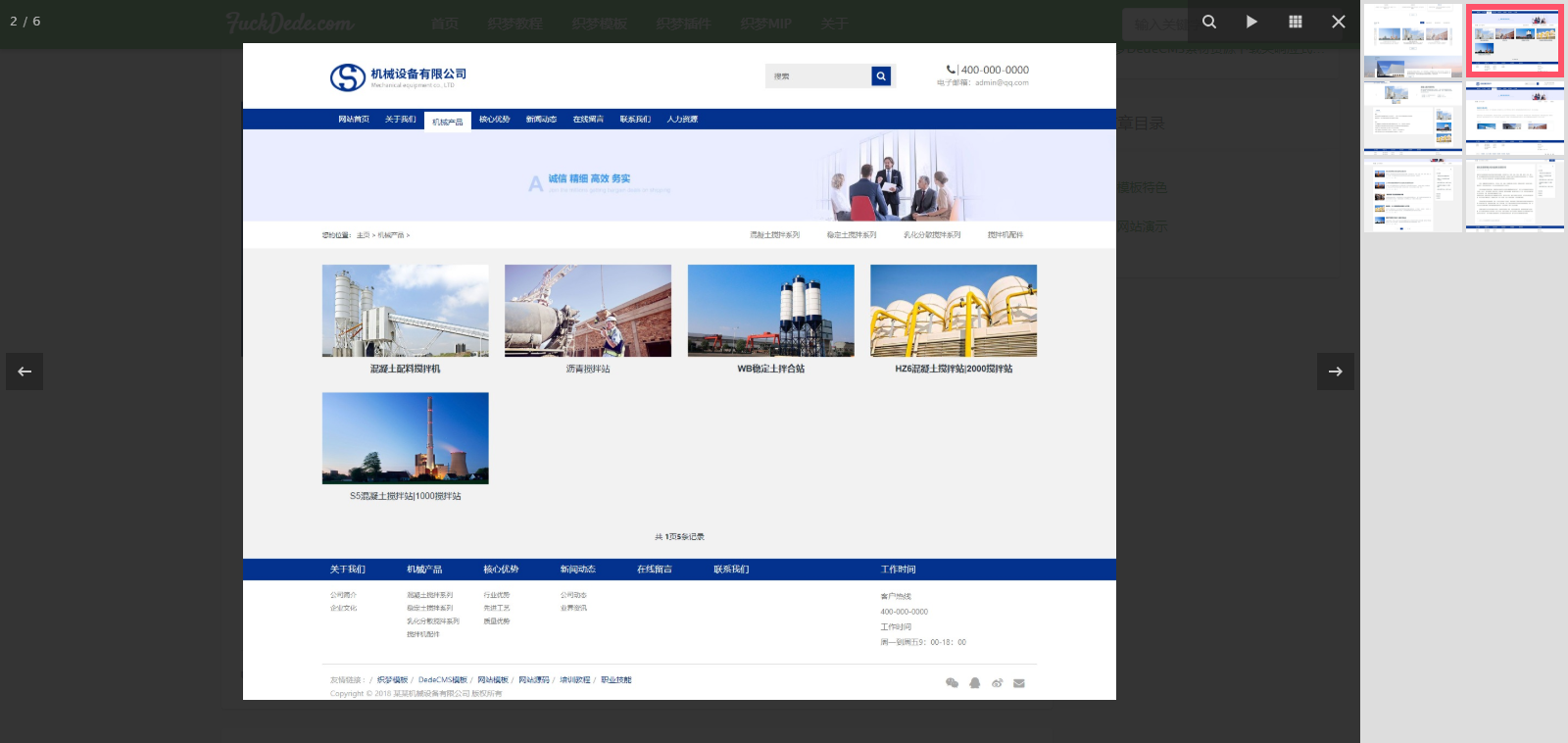
下面开始教程~
引用 FancyBox插件
把下面内容添加到 header.php 中 </head> 前面
<script type="text/javascript" src="http://ajax.googleapis.com/ajax/libs/jquery/1.7/jquery.min.js"></script> <!--如果主题已经引用了jQuery库,可以忽略这条-->
<link rel="stylesheet" href="https://cdn.staticfile.org/fancybox/3.5.2/jquery.fancybox.min.css">
<script src="https://cdn.staticfile.org/fancybox/3.5.2/jquery.fancybox.min.js"></script>修改post.php
打开post.php,将
<?php $this->content(); ?>修改成
<?php
    $pattern = '/\<img.*?src\=\"(.*?)\"[^>]*>/i';
    $replacement = '<a href="$1" data-fancybox="gallery" /><img src="$1" alt="'.$this->title.'" title="点击放大图片"></a>';
    $content = preg_replace($pattern, $replacement, $this->content);
    echo $content;
?>初始化FancyBox
把下面js添加到 footer.php 文件的
评论