
看见wp主题很多通过浏览器分享的页面,都会生成一个小卡片。看着炫酷,总比看着一寸长长的链接好吧,后来发现浏览器是通过OG协议去抓取相当于的内容。og是一种新的HTTP头部标记,即Open Graph Protocol,有兴趣的可以查看去OG官网文档了解一下。
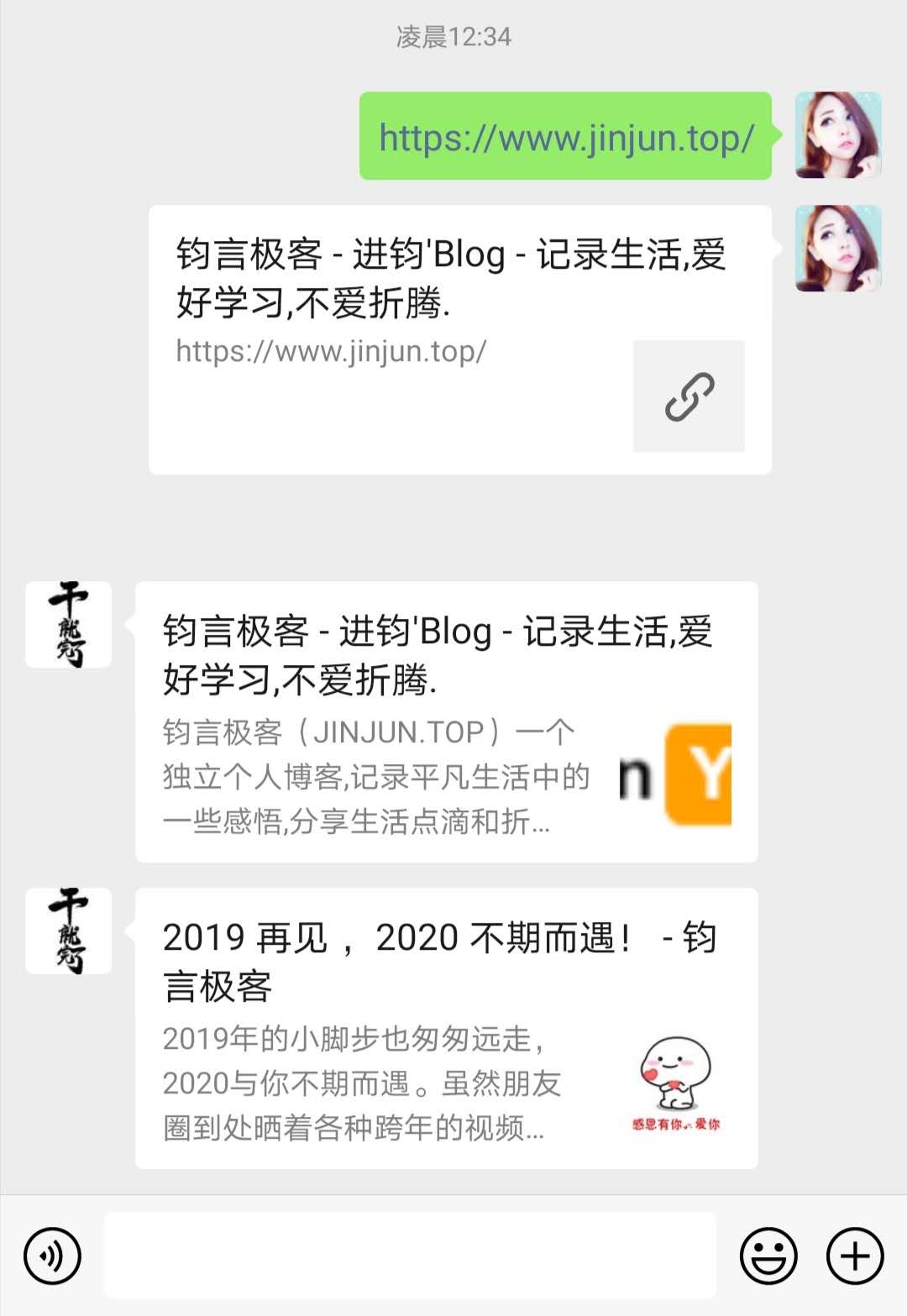
第一个带卡片的是微信的分享只显示一个链接的图片,下面两个为谷歌浏览器的分享已经可以看到og协议已经生效。
OG协议大致包含以下信息:
og:type 页面内容类型,博客通常使用article文章类型即可。
og:title 这里是文章标题
og:description 页面的简单描述,可以使用文章摘要
og:site_name 页面所在网站名,使用博客网站名称
og:url 文章页面url地址
og:image 文章略缩图地址
那么typecho怎么添加og协议
在当前主题目录中,找到header.php文件,在head标签内插入以下内容
<meta property="og:type" content="<?php if ($this->is('index')): ?>website<?php else: ?>acticle<?php endif; ?>">
<meta property="og:title" content="<?php if ($this->is('index')): ?><?php $this->options->title(); ?><?php else: ?><?php $this->archiveTitle('/','',' - '); ?><?php $this->options->title(); ?><?php endif; ?>">
<meta property="og:site_name" content="<?php $this->options->title();?>">
<meta property="og:description" content="<?php if ($this->is('index')): ?><?php $this->options->description() ?><?php else: ?><?php $this->excerpt(80) ?><?php endif; ?>">
<meta property="og:url" content="<?php $this->permalink(); ?>"/>
<meta property="og:image" content="<?php if ($this->is('index')): ?><?php $this->options->themeUrl('img/logo.png'); ?><?php else: ?><?php echo showThumb($this,null,true); ?><?php endif; ?>">这里要提醒一下,不要照搬要仔细看一下,其中og:description是根据首页和文章页来判断,首页显示站点的描述,文章页是截取文章的前60个字也可以自己修改和og:image首页是调用logo,文章页调用的自己主题的缩略图函数,默认选取文章第一张图片,如果要实现主题匹配,需要修改为自己的typecho主题缩略图函数调用。
评论